Rules
Part of Scrolling habits and attention: a practical guide
What goes wrong with scrolling and attention
Scrolling and attention problems explained: diagnose purpose drift, alerts, autoplay, context switching, sleep loss, upsetting loops, metrics, and failed limits.
What to take away
- Unwanted scrolling often begins before the feed, through cues and easy defaults.
- A timer can fail when it does not specify what happens at the alarm.
- Total screen time can hide the mode, content, time of day, and original task.
- Research findings should not be stretched from one population or measure to all users.
- Repair works best when it targets the precise failurecue, entry, switching, stopping, sleep, or content.
"I scrolled too much" describes an outcome, not a cause. The useful diagnosis asks how the session began, what kept it moving, why the person did not stop, and which consequence matters.
Problem 1: purpose disappears at entry
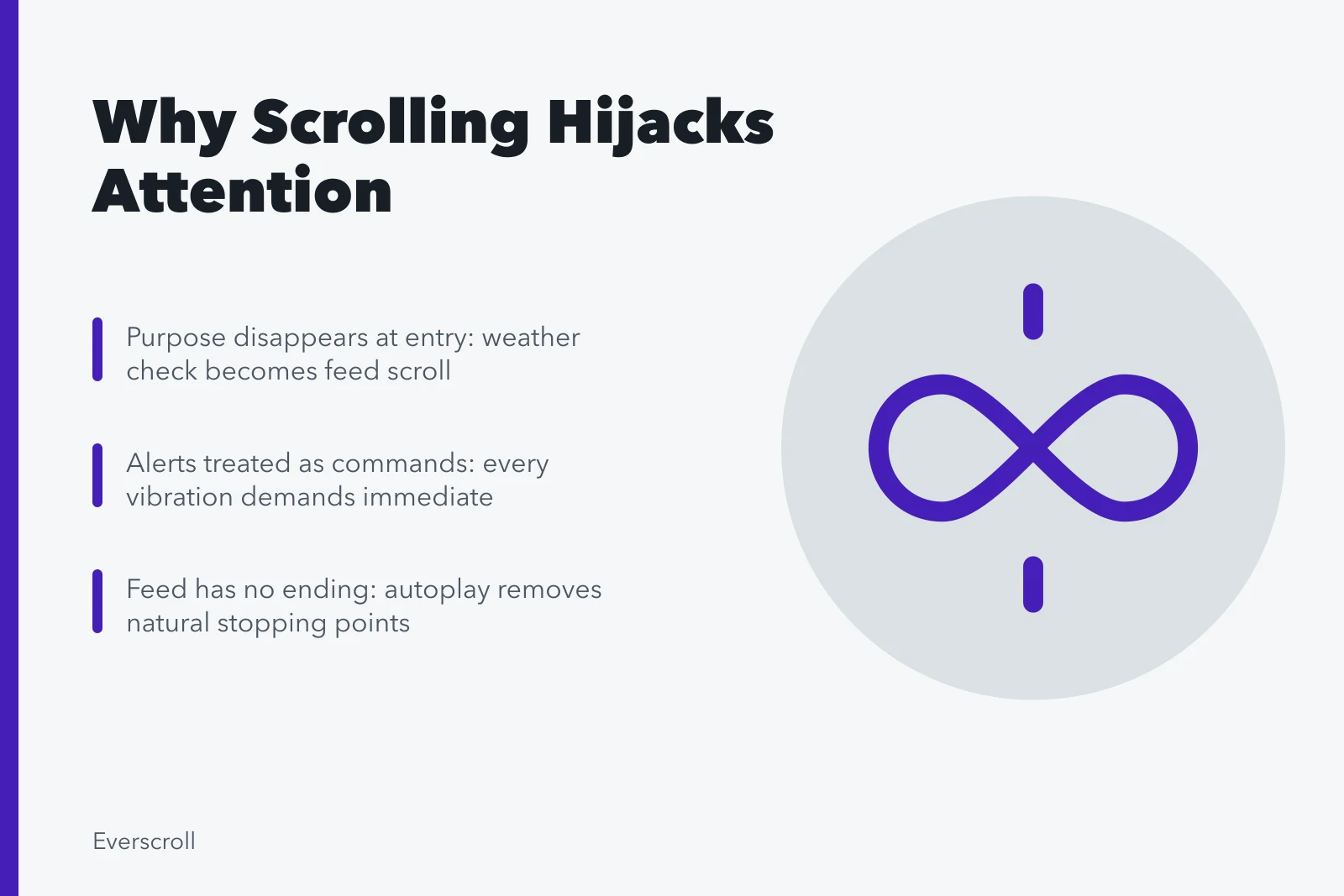
A person unlocks the phone to check weather, sees a social badge, opens the feed, and forgets the forecast. The wrong interface wins before the intended task begins.
Repair
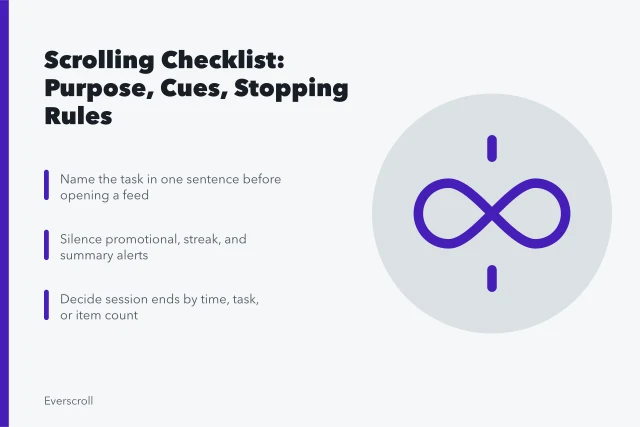
Put task tools on the first screen, hide feed badges, and use a direct widget or bookmark. Say the purpose aloud or write it down before unlocking during a focus block. The purpose-first checklist makes this a standing weekly review rather than a one-time fix.
Problem 2: the alert is treated as a command
Every vibration receives immediate attention, even when it marks a recommendation or nonurgent reaction. The current task must be rebuilt after each check.
Repair
Reserve immediate alerts for selected people and systems. Batch the rest. Ask teams and households to define what truly requires an immediate response.
Problem 3: the feed supplies no ending
Continuous loading and autoplay remove the pause that a page, episode, or chapter would provide. A general intention to "stop soon" has no trigger.
Building a Visible Stopping Point
- Set ten minutes
- Set eight items
- Set one saved list
- Set one topic
- Close app at endpoint
- Park device in named place
Repair
Create an external endpoint: ten minutes, eight items, one saved list, or one topic. At the endpoint, close the app and put the device in a named place. Building a visible stopping point is a named step in the reset: timer, note, or session card.
Problem 4: several design pressures stack
A session combines autoplay, personalized ranking, urgency, hidden subscription terms, and a difficult exit. Blaming the person alone misses the interface path.
Same Task, Three Modalities
App
- Control
- often unclear
- Prompts
- many
- Exit
- difficult
- Autoplay
- stacked
- Ranking
- personalized
Mobile web
- Control
- clearer
- Prompts
- fewer
- Exit
- easier
- Autoplay
- varies
- Ranking
- varies
Desktop
- Control
- clearest
- Prompts
- fewest
- Exit
- easiest
- Autoplay
- varies
- Ranking
- varies
A study submitted through an FTC conference record comparing dark patterns across mobile and web versions manually examined 105 services and reported that patterns could vary by modality, producing inconsistent experiences of autonomy, privacy, and control. The paper covers broad interface practices, not proof that every endless feed is deceptive.
Repair
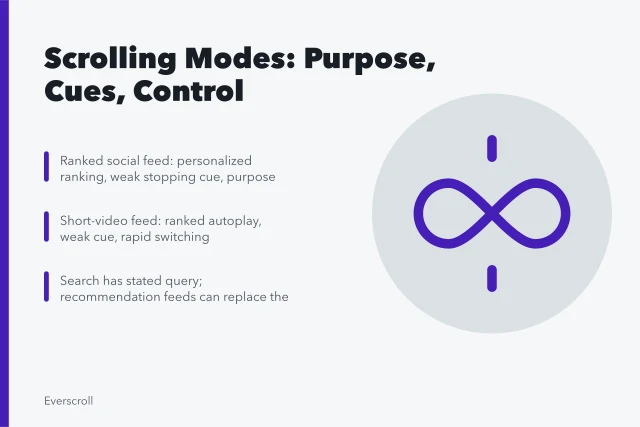
Test the same task on app, mobile web, and desktop. Use the version with clearer control, fewer prompts, and an easier exit. Report deceptive paths to the service or appropriate regulator.
Problem 5: switching is mistaken for rest
A work pause becomes rapid checking across messages, feeds, email, and video. The brain receives new demands instead of a real break, and the original task feels harder to resume.
Fake Break vs Real Break
Rapid checking
- Inputs
- messages, feeds, email, video
- Brain load
- new demands
- Resuming task
- harder
- Prep
- none
Fewer-input break
- Inputs
- stand, look outside, stretch
- Brain load
- rest
- Resuming task
- easier
- Prep
- write next action
Repair
Choose a break with fewer inputs: stand, look outside, stretch, drink water, or walk briefly. Before leaving work, write the exact next action so resumption requires less reconstruction.
Problem 6: bedtime has no separate rule
A daytime limit leaves the most disruptive period untouched. News, work messages, social conflict, and short video continue in bed because the phone is also the alarm.
Repair
Create a sleep-specific parking time, notification schedule, and charging location. Use a separate alarm when practical. Persistent insomnia needs appropriate assessment; a phone rule may not address its causes.
Problem 7: upsetting content becomes a checking loop
The person seeks certainty after a frightening event, but each refresh adds speculation and reaction rather than verified facts. Anxiety drives checking, and checking supplies more anxiety.
Repair
Choose two dated sources, define update windows, and stop when later items repeat known information. Contact people directly when their safety is the true question.
Problem 8: a broad research claim becomes a personal verdict
A headline says social media destroys attention, and a user treats ordinary distraction as proof of permanent damage. Another headline finds a benefit, and a service treats all concern as moral panic.
A systematic review available through PubMed Central on social media and cognitive development included 23 studies of children and young adults and reported mixed results, variation by platform, intensity, and individual state, and gaps in strong longitudinal or randomized evidence. That supports precise claims and caution, not a universal verdict about all scrolling.
Repair
Read the population, design, exposure definition, outcome, and limitations. Keep association separate from cause. Test the practical behavior without diagnosing yourself from a headline. The same discipline governs claims arriving as jokes; a template does not lower the evidence bar.
Problem 9: the metric replaces the goal
The daily total falls, but the person still checks during driving, misses sleep, or consumes harassment. Or the total rises because maps, calls, and reading moved onto the phone, even while unwanted feed use fell.
Repair
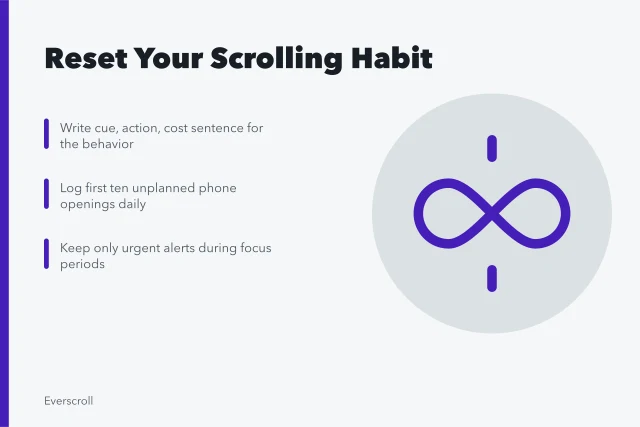
Track the outcome directly: bedtime, focused blocks, safe driving, chosen sessions, money spent, or mood after a news check. One worked case tracks sleep, spending, and checking measures instead of a minute total.
Failure map
| Symptom | Likely failure | First change |
|---|---|---|
| Opens wrong app | Entry cue | Rearrange screen and badges |
| Checks every buzz | Alert policy | Reduce immediate notifications |
| Ignores timer | No exit action | Pair alarm with close-and-park rule |
| Cannot resume work | Switching cost | Write next action before break |
| Scrolls only in bed | Time-specific cue | Create sleep parking routine |
| Refreshes bad news | Uncertainty loop | Scheduled source checks |
| Lower total, same harm | Wrong metric | Measure the actual consequence |
Common questions
Why do timers fail?
An alarm creates a signal but not a behavior. Define the exact exit action and place for the device.
Is distraction always caused by the interface?
No. Task difficulty, stress, sleep, environment, habits, and design can all contribute.
Should I use the desktop version instead?
Test it. A larger screen and visible page structure may help, but desktop interfaces can contain the same prompts and ranking.
Does one long session mean I have a disorder?
No. Review repetition, control, consequences, and context. Diagnosis requires qualified assessment.
How do I stop crisis refreshing?
Choose reliable sources and fixed update times, then contact affected people directly when that is the real need.
When should I get help?
Seek qualified support for severe distress, dangerous use, major sleep loss, or persistent impairment in daily life.