Maintenance
Part of Scrolling habits and attention: a practical guide
An attention-friendly scrolling checklist
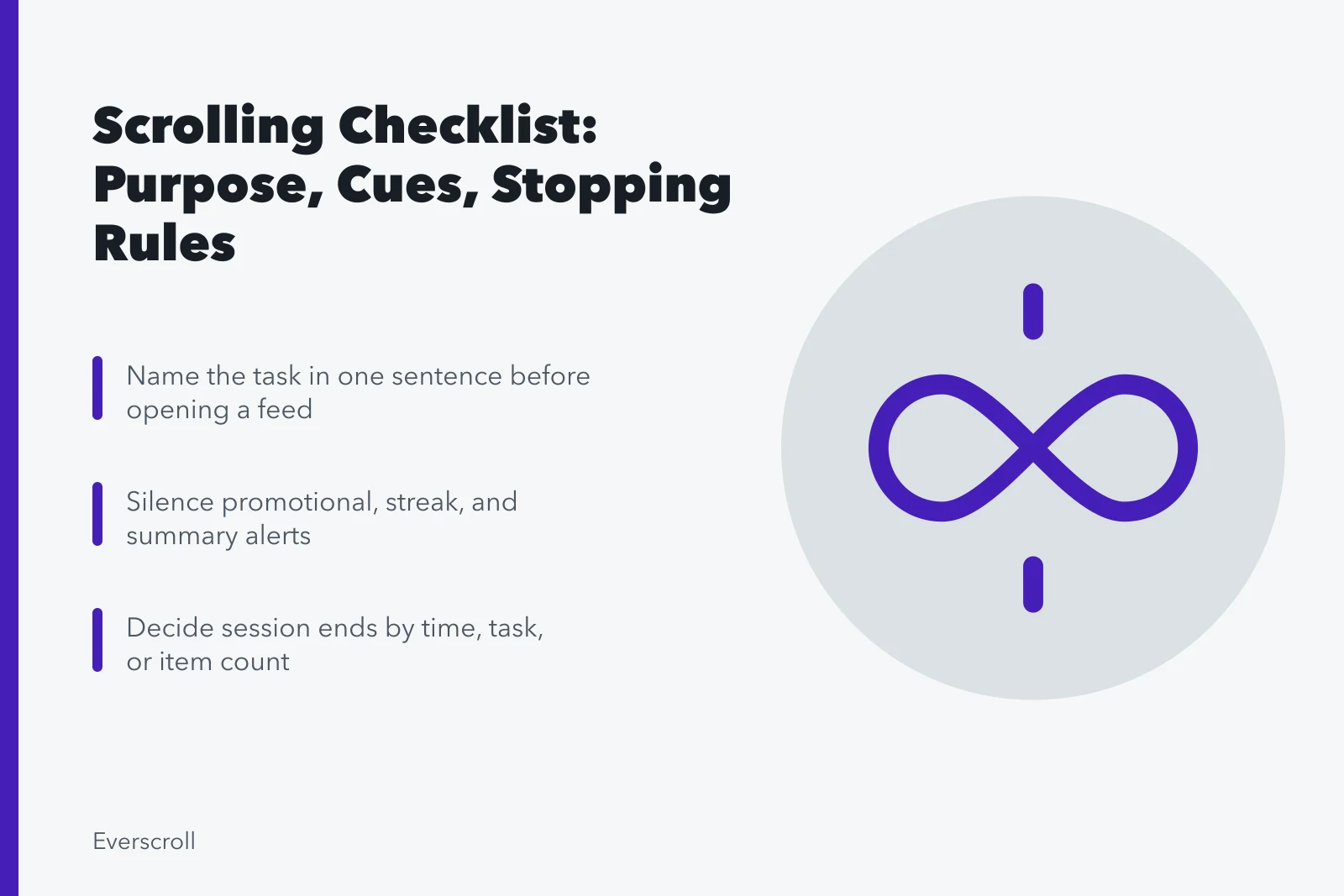
Attention-friendly scrolling checklist: set purpose, notifications, time, place, source checks, autoplay, stopping cues, sleep boundaries, access, and measures.
What to take away
- Decide what the session is for before entering a ranked feed.
- Silence cues that do not deserve immediate access to the current task.
- Use direct routes, finite lists, and stopping rules where possible.
- Protect sleep with a separate evening plan rather than a general daily total.
- Review consequences and chosen use, not just raw minutes.
This checklist is for a weekly personal review, a workplace focus agreement, or a household conversation. It is not a diagnostic test. Select the items connected to the outcome you want to change.
Purpose before opening
- I can name the task in one sentence.
- I know which app, list, thread, or source holds it.
- I choose search or a direct link when discovery is not needed.
- I decide whether the session ends by time, task, or item count.
- I write unrelated questions down instead of branching immediately.
- I close the service after the stated task ends.
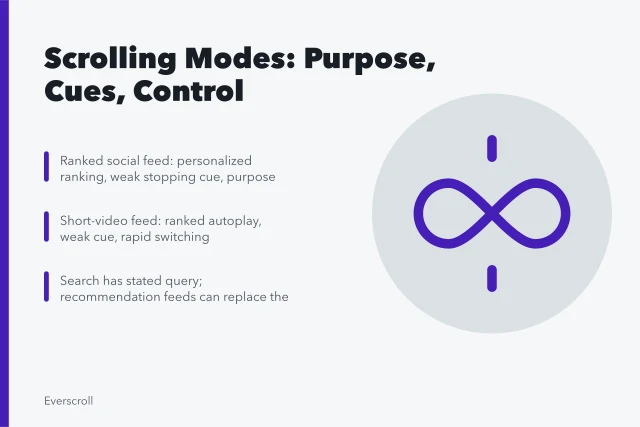
Matching the mode to the job is half the work; scrolling modes compared sets out which surfaces have natural endings.
Notification control
- Only genuinely time-sensitive contacts can interrupt focus blocks.
- Promotional, recommendation, streak, and summary alerts are silent.
- Badges do not appear for items I review in batches.
- Work and personal contact expectations are stated.
- The phone is out of reach when the task does not need it.
- Emergency exceptions have been tested.
Where the strongest cue is one person's output, alerts tied to one personality need their own rules.
Notification control
- Only time-sensitive contacts interrupt
- Promotional and streak alerts silent
- No badges for batch-reviewed items
- State work and personal expectations
- Phone out of reach when unneeded
- Test emergency exceptions
Feed entry and design
- High-cue apps are not in the easiest launch position.
- A direct bookmark bypasses the home feed for routine tasks.
- Autoplay is off where the setting exists.
- Motion, sound, and captions fit access needs.
- Following-only, subscriptions, or saved lists replace ranking when useful.
- Shopping and payment details do not turn browsing into one-tap spending.
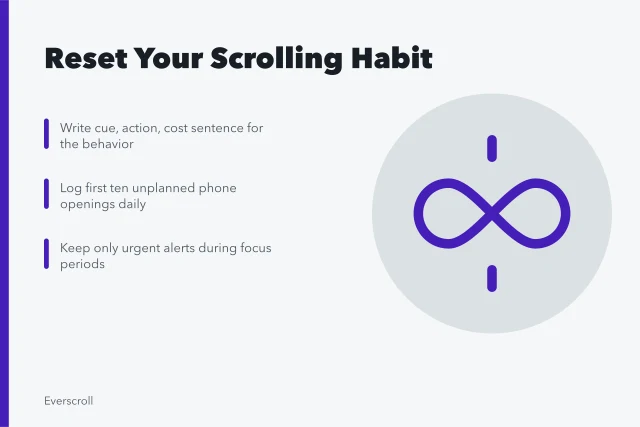
Most of these are one-time setup; the reset steps walk through friction, routes, and stopping rules in order.
Carnegie Mellon University reports on Purpose Mode research involving a browser tool that lets users state a purpose and suppress features such as autoplay or peripheral content. The report describes a small study and prototype, so it supports testing purpose cues rather than claiming one interface will work for everyone.
Time and place
- Social feeds have chosen windows rather than all-day availability.
- Meals, meetings, care, and focused work have device rules.
- I do not use a feed while driving or crossing traffic.
- A visible clock or timer is available.
- Waiting-room use does not expose private people on screen or camera.
- I know which places trigger automatic checking.
Reading and source checks
- I open the full item before reacting to a headline.
- I identify the source, author, and date.
- A screenshot is traced to its original context.
- A repeated claim is not treated as proof because it appears often.
- I leave reaction threads until the underlying evidence is clear.
- I save a source only if I expect to use it.
The fuller version of these checks is the feed post review, from surface labels to lateral reading.
Reading and source checks
- Open full item before reacting
- Identify source, author, date
- Trace screenshots to original context
- Repetition is not proof
- Leave reaction threads until evidence clear
- Save only sources you will use
Switching and resumption
- I finish a short task unit before checking a feed.
- The current document shows the next step before any break.
- Message checks cover named threads, not every app.
- New ideas go into a capture list.
- I allow a few quiet minutes after a dense session.
- I record whether interruptions came from the device or my own checking.
Sleep boundary
- The phone has a parking time and place.
- Nonurgent alerts are silent through the sleep window.
- The alarm does not require the phone to sit within reach.
- Night mode is not treated as a substitute for stopping.
- Late news and work checks have an emergency definition.
- Persistent sleep trouble receives appropriate health attention.
The National Heart, Lung, and Blood Institute's page on treating insomnia describes cognitive behavioral therapy for insomnia as the recommended first treatment for long-term insomnia, and its healthy sleep habits include avoiding electronic devices near bedtime because their light can disrupt the sleep-wake cycle. A personal screen routine is not a substitute for assessment or treatment of persistent insomnia.
Accessibility and shared responsibility
- Captions, text size, contrast, and motion controls are usable.
- A household rule allows disability, work, and caregiving exceptions.
- Parents and managers explain the goal rather than using surveillance alone.
- Necessary social support is not removed without an alternative.
- Shared devices protect each person's accounts and private messages.
- The plan can be changed when it creates a barrier.
Weekly review
- I compare planned and unplanned sessions.
- I review sleep, task completion, mood, and social contact.
- I identify the strongest cue of the week.
- I keep one change that helped.
- I revise one limit that was unrealistic.
- I seek support when use remains unsafe or severely disruptive.
Common questions
Should I complete every item?
No. Choose checks tied to your purpose, responsibilities, access needs, and risks.
Is a daily minute limit enough?
It can help, but it does not show content, timing, interruption, purpose, or consequences.
Should work messages be exempt?
Only when the job requires immediate response. Clear coverage and escalation rules can protect focus without ignoring urgent work.
Does night mode solve bedtime scrolling?
It may change display light, but it does not end notifications, emotional arousal, work demands, or continuous content.
Can parents use this checklist with teens?
Yes, as a conversation adapted to age, safety, school, sleep, social support, and growing autonomy.
When is a checklist not enough?
Unsafe use, severe sleep disruption, major distress, or impaired daily functioning calls for qualified support.